Best Robot Toys for Kids in 2026: The Complete Buying Guide
By Curio Team
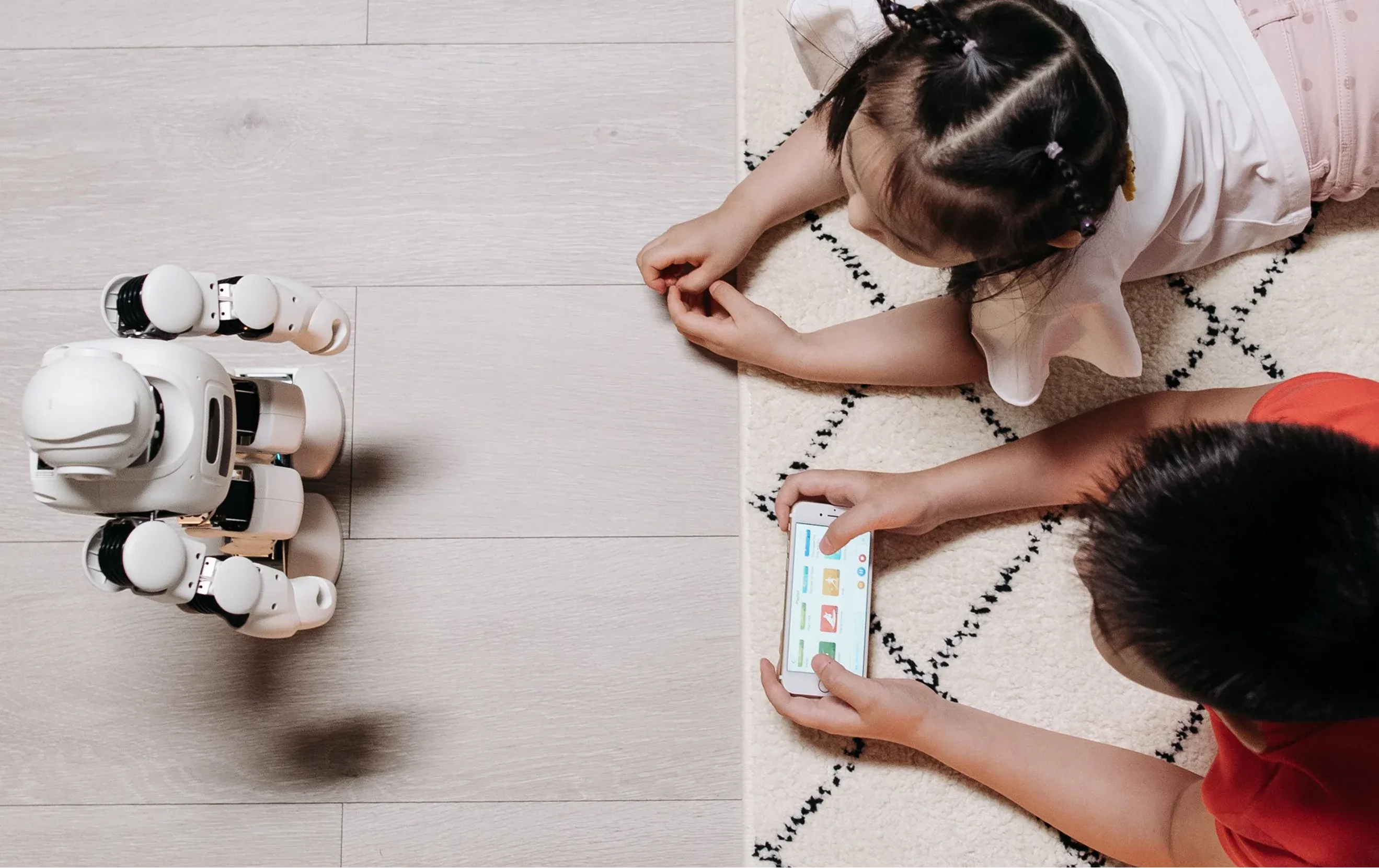
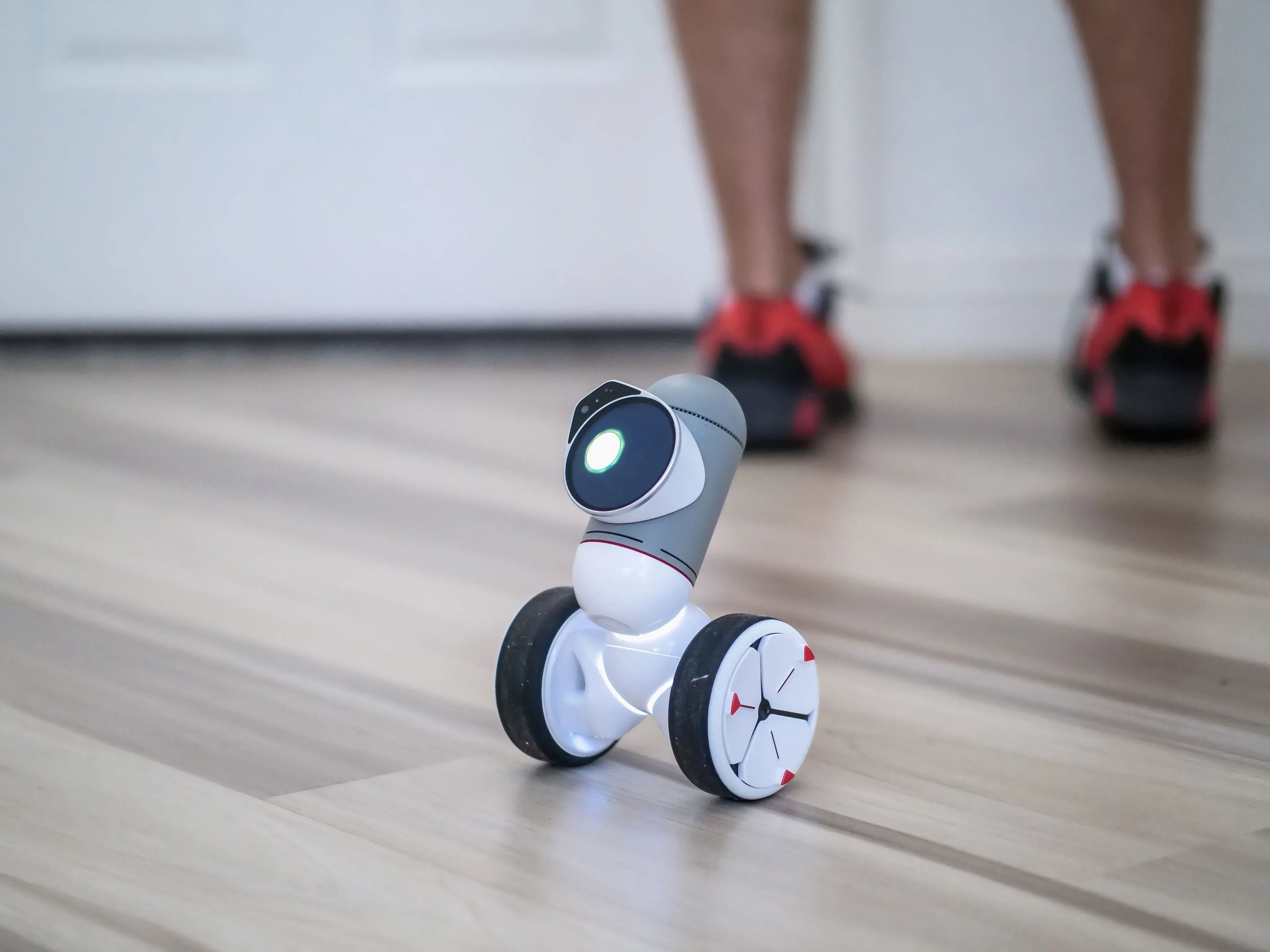
Robot toys have been around since the 1930s, back when they were just wind-up gearboxes. Now we have robots that can help children learn how to code, or have an educational conversation with an AI storyteller. Today we're looking at robotic toys ranging from build-it-yourself coding robots to advanced voice-powered AI companions like Gabbo. This guide covers the top toys in the space and divides them up by what they're best at, so you can find exactly what you're looking for.
Notice: We've put together a list of the best robot toys on the market right now. These picks are based on manufacturer specs and reviews rather than in-house testing, except for Gabbo, since it's our own toy. Prices will fluctuate depending on the retailer, so we've kept them as estimates.
What To Look For In A Robot Toy
Not sure what to be looking for? You're not alone, the world of robot toys can be pretty overwhelming. Here's a general criteria list to help you feel confident in your purchase.
Age Appropriateness: The type of toy a 3-year-old will enjoy is drastically different from what an 8-year-old will enjoy. Toddlers usually like simple cause-and-effect toys with large buttons, while 8-year-olds can typically start handling app-connected coding robots. Always check the manufacturer's age range, but also factor in your own kid's attention span and reading level, since the printed age is usually the bar for entry, not a guarantee of entertainment.
Safety Certifications: Depending on what the toy can do, it may face specific legal requirements. For example, AI toys that take voice data from kids need to meet COPPA compliance standards.
True AI or Misleading: Some robot toys are programmed with fixed responses, while others use real AI to keep their conversations open-ended. Neither is "better," outright, a simpler toy will probably suit a younger child better.
Screen-free vs. app-dependent: Plenty of the best options out there don't require a phone or tablet to function, a lot use voice activation or physical buttons instead. If screen-free play matters to you, there are good options either way.
Battery Life and Charging: Rechargeable lithium-ion batteries are standard on higher-end robot toys, while AA/AAA batteries are almost always the norm on cheaper remote-controlled ones. It's worth checking how long a toy actually lasts per charge or battery swap before you buy.
Best Robot Toys for Kids, by Category
With the basics out of the way, let's get into each toy, its strengths, and the real reason it made our list.
Best For Toddlers(3-6)
Fisher-Price Think & Learn Code-a-pillar, ~$30-55
Code-a-pillar is a segmented, robotic caterpillar that toddlers "program" by swapping out pieces of its body. Each segment is set to a function, one might move it forward, another might turn it left, and when you hit start, the caterpillar follows whatever path you built. It's designed for kids ages 3 to 6, and it introduces simple cause-and-effect along with very basic programming logic.
Newer versions have permanently attached segments you twist to change their function instead, with up to 1,000 possible combinations. It's an interesting toy on this list since there's no app or screen involved at all, and it still manages to teach basic coding concepts. Best part: it's still easy enough for a 3-year-old to get, without being overwhelming.
It's a simple robot toy that teaches rudimentary programming to younger kids, with no screens and an easy setup, and that's what earns it our best-for-toddlers spot.
One caveat: the original version of Code-a-pillar has had inconsistent stock. If you can't find it, the Twist version is a solid substitute and still one of the best picks on this list.
Best for Language Development
Gabbo by Curio, $120
Gabbo is our soft robot plush, and like all our plushes, it's built around an AI voicebox that lets it speak. Gabbo runs on a cloud-based LLM that works similarly to ChatGPT, but with guardrails so the responses are built for kids. The voicebox hears the child speak, turns the audio into a transcript, then deletes the audio. That transcript goes to the LLM, which formulates a response and says it back in a voice.
Parents set the toy up and manage it, including deleting transcripts anytime, through a companion app, while the child's side of the experience stays entirely screen-free. It's recommended for kids ages 3 to 7. The price is higher than some of the other toys on this list, but for good reason, the technology behind it is some of the most advanced in its category, and unlike most AI toys, there's no subscription required.
Gabbo earns a spot on this list partly because it's our own toy, but mainly because the technology behind it is genuinely top-notch, it might be the only toy here that actually adapts as the child grows, through real personalization.
Best for coding & STEM
Learning Resources Botley the Coding Robot 2.0, ~$48-64
Botley is a screen-free coding robot programmed entirely through a remote controller and a deck of physical coding cards. No tablet, no smartphone, no login. Botley 2.0 ships as a 46-piece activity set: the robot itself, the remote, coding cards, and swappable faceplates and arms so you can customize his look.
Functionally, kids can code up to 80 steps, letting the robot navigate through an obstacle course. It's aimed at kids ages 5 and up, and reviews consistently mention how much parents like the screen-free format.
It's easily the best pick for coding and STEM at an early age, and it holds up well as a genuine intro to programming logic rather than just another remote-control toy.
Most durable
Sphero BOLT, ~$150-180
Sphero BOLT is built as a waterproof polycarbonate ball, kind of like a big hamster ball with electronics inside, and it's even rated for pool play, which makes it the most durable toy on this list. There's simply less to break: no arms, no dials, no segments
On top of that, it's an app-controlled coding-progression tool: kids start with drag-and-drop commands in the Sphero Edu app and can work their way up to real JavaScript in that same interface, making it one of the most advanced toys here too. It's built around an 8x8 programmable LED matrix, light and motion sensors, and infrared communication that lets multiple BOLTs interact with each other. Battery life runs around two hours per charge, and it's aimed at ages 8 and up, perfect for families whose past robot toys haven't survived a school year.
Best for advanced coding & building
mBot2 by Makeblock, ~$90-140
mBot2 is a build-it-yourself robot kit, and it's the pick with the most room to grow. It's aimed at kids roughly ages 8 to 12, and it's a coding robot too. The coolest part is building the robot, then building the code that makes it move, giving the whole experience a real sense of accomplishment. The code runs through Makeblock's mBlock software, which starts as a drag-and-drop coding interface but can switch to real Python for older kids.
The robot features motion, ultrasonic, and line-tracking sensors, with Bluetooth and WiFi connectivity for more advanced projects. On top of that, there's no subscription required to keep using it. Since the toy scales from beginner block coding to actual text-based coding, it can stay relevant for years instead of being outgrown in two. It's a bigger investment of money and time than the others on this list, but it's genuinely worth it if your kid likes coding.
TL;DR: Quick Picks
Short on time? Here's the rundown:
- Code-a-pillar (ages 3-6): no screens, twist-and-go segments, teaches toddlers basic cause-and-effect programming.
- Gabbo (ages 3-7): our own AI companion plush, real conversations, no screen, no subscription.
- Botley 2.0 (ages 5+): screen-free coding via remote and physical cards, a great first coding robot.
- Sphero BOLT (ages 8+): sealed, waterproof coding ball built to survive real kids, scales up to real JavaScript.
- mBot2 (ages 8-12): build-it-yourself kit that grows from block coding into real Python.